Include everyone
Student and group picking with saved no-repeat progress, attendance, and private draw history.
An offline Windows toolkit that works alongside your presentations, browser, PDFs, and videos.
Download free ZIP ↓Windows 11 · .NET Framework 4.8 · 1.3 MB · No account required
Student and group picking with saved no-repeat progress, attendance, and private draw history.
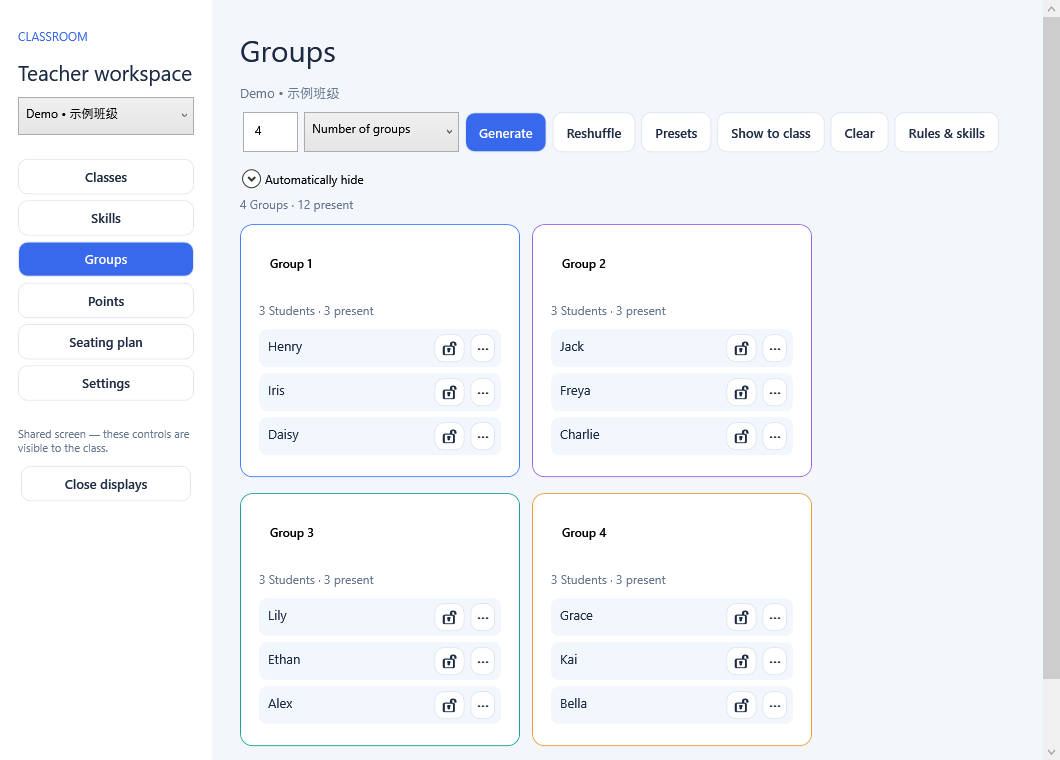
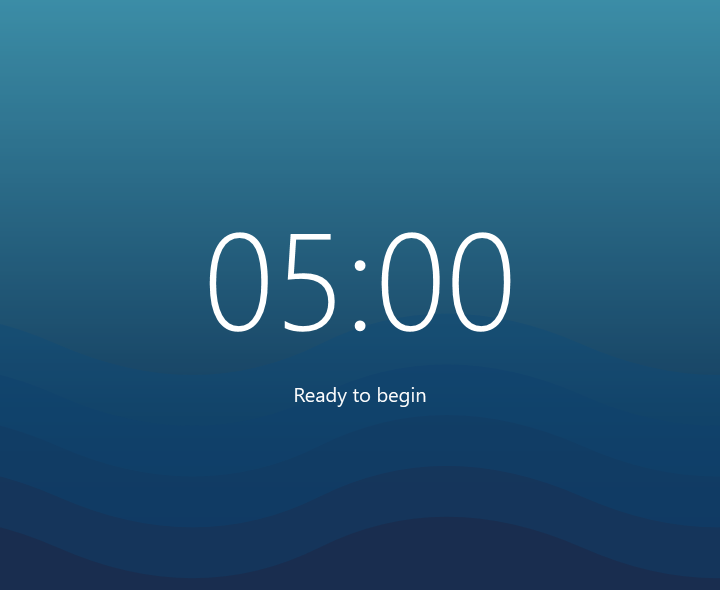
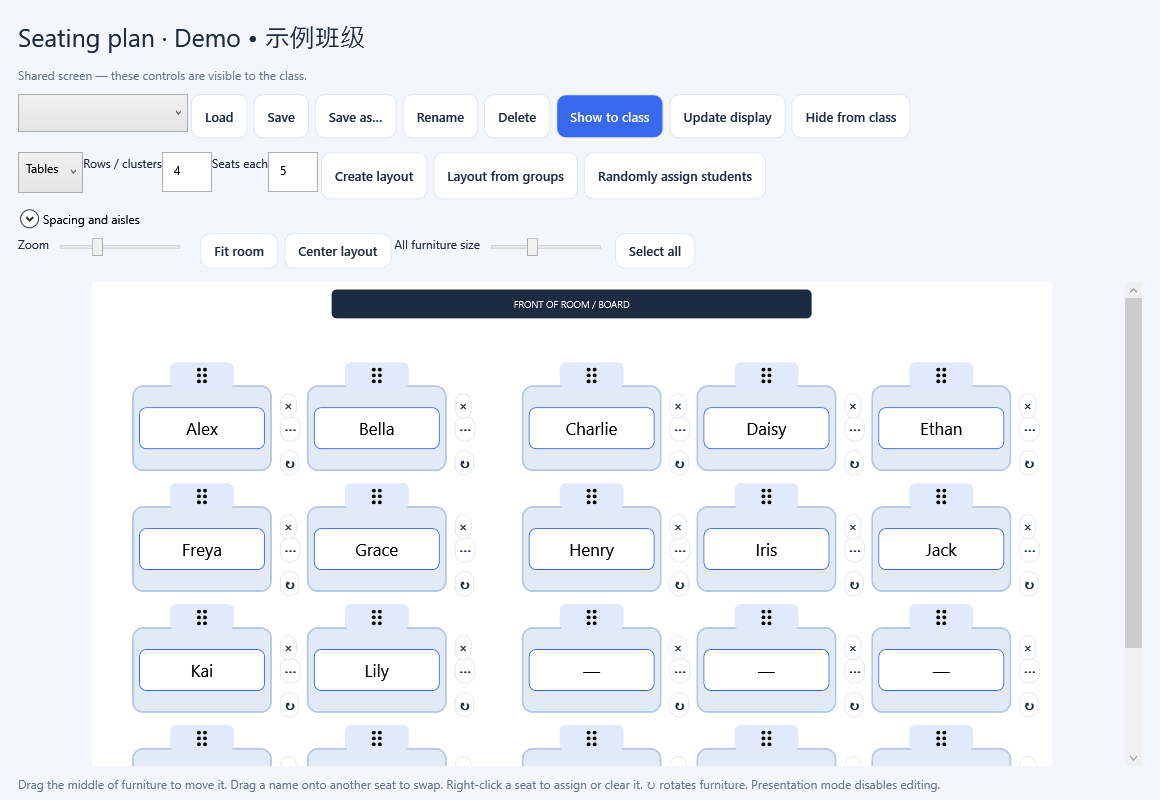
Flexible timers, group tools, points, and seating layouts stay close at hand.
Separate teacher and classroom displays, a hide-class button, and configurable auto-hide controls.
Actual v4.0 screens using synthetic demo data.
English user guide · 中文使用指南 · SHA-256 checksum
This release is unsigned. Windows may show a publisher warning. Verify the source and checksum before running it. Export a complete backup before changing versions. Mac support is not included.
Book & Spark branding, improved display selection and toolbar snapping, independent auto-hide settings, award and deduction sounds, a Students/Groups toggle, and a private teacher result echo on separate displays.
SHA-256: 0dd9048fcc34c36468cdae28feb4dc874e9c3f515bd99d865f887403041f404b